
ChatGPT Images 2.0 - Turn Ideas into Production-Ready Visuals
Turn Ideas into Production-Ready Visuals
Photorealistic images with flawless text rendering, character consistency, and commercial-grade detail — ready for marketing campaigns, product showcases, and visual storytelling.
What Is ChatGPT Images 2.0?
ChatGPT Images 2.0 is OpenAI's next-generation image model — a fundamental shift from rendering to visual reasoning.
Previous AI models struggled with garbled text, broken layouts, and inconsistent characters. ChatGPT Images 2.0 solves all three with a built-in reasoning step that plans composition before generation. Maps show correct geography, diagrams place labels logically, and characters maintain identical faces and outfits across dozens of outputs. The result is a visual system that understands what it creates.
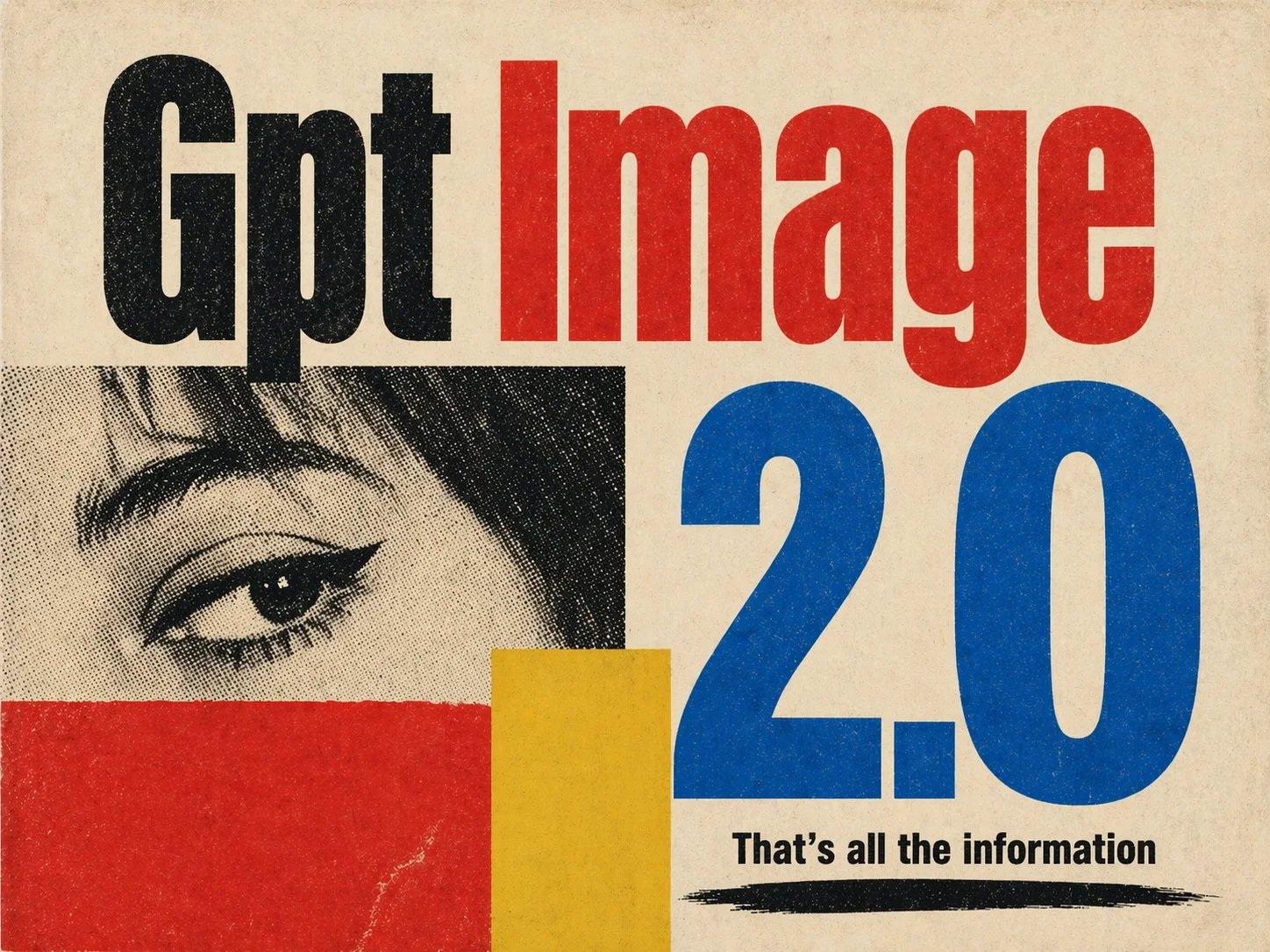
ChatGPT Images 2.0 — Core Capabilities
Native text rendering, thinking-powered composition, character consistency, and state-of-the-art photorealism — combined in one model.
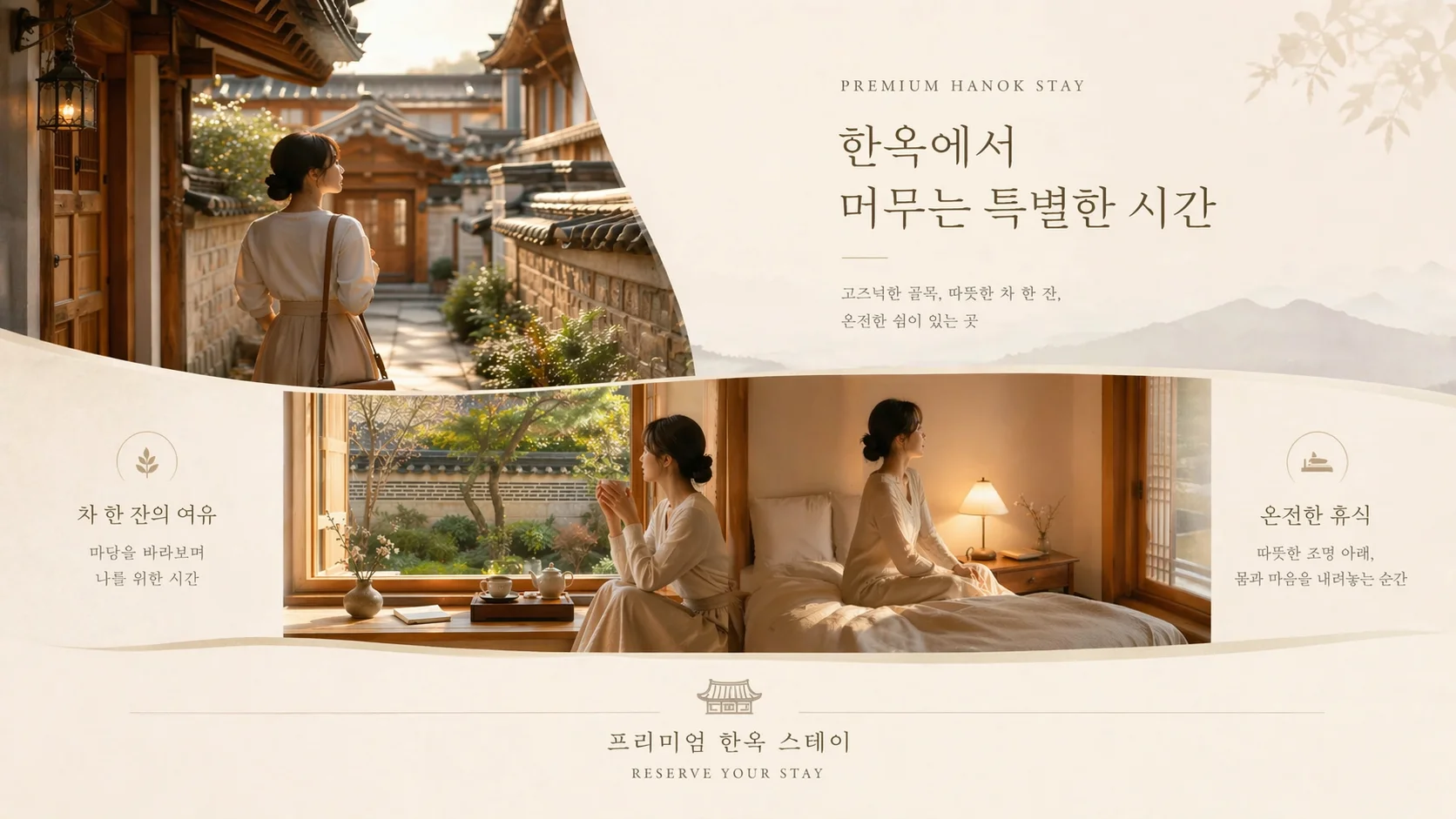
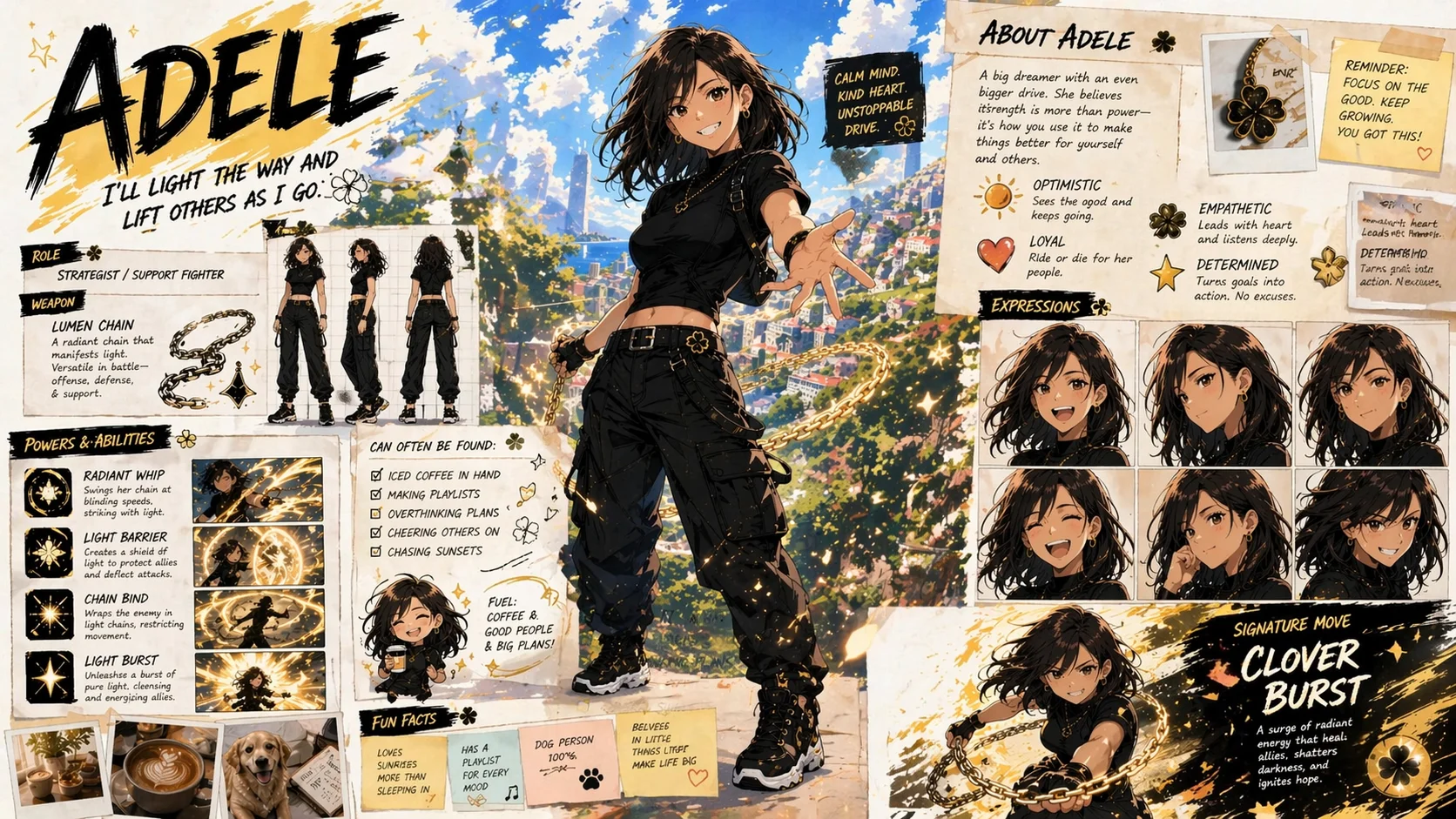
Flawless Multilingual Text
Render English, Chinese, Japanese, Korean, and more naturally embedded in any scene. Text stays sharp on curved surfaces, perspective views, and handwritten styles — no distortion, no floating characters.
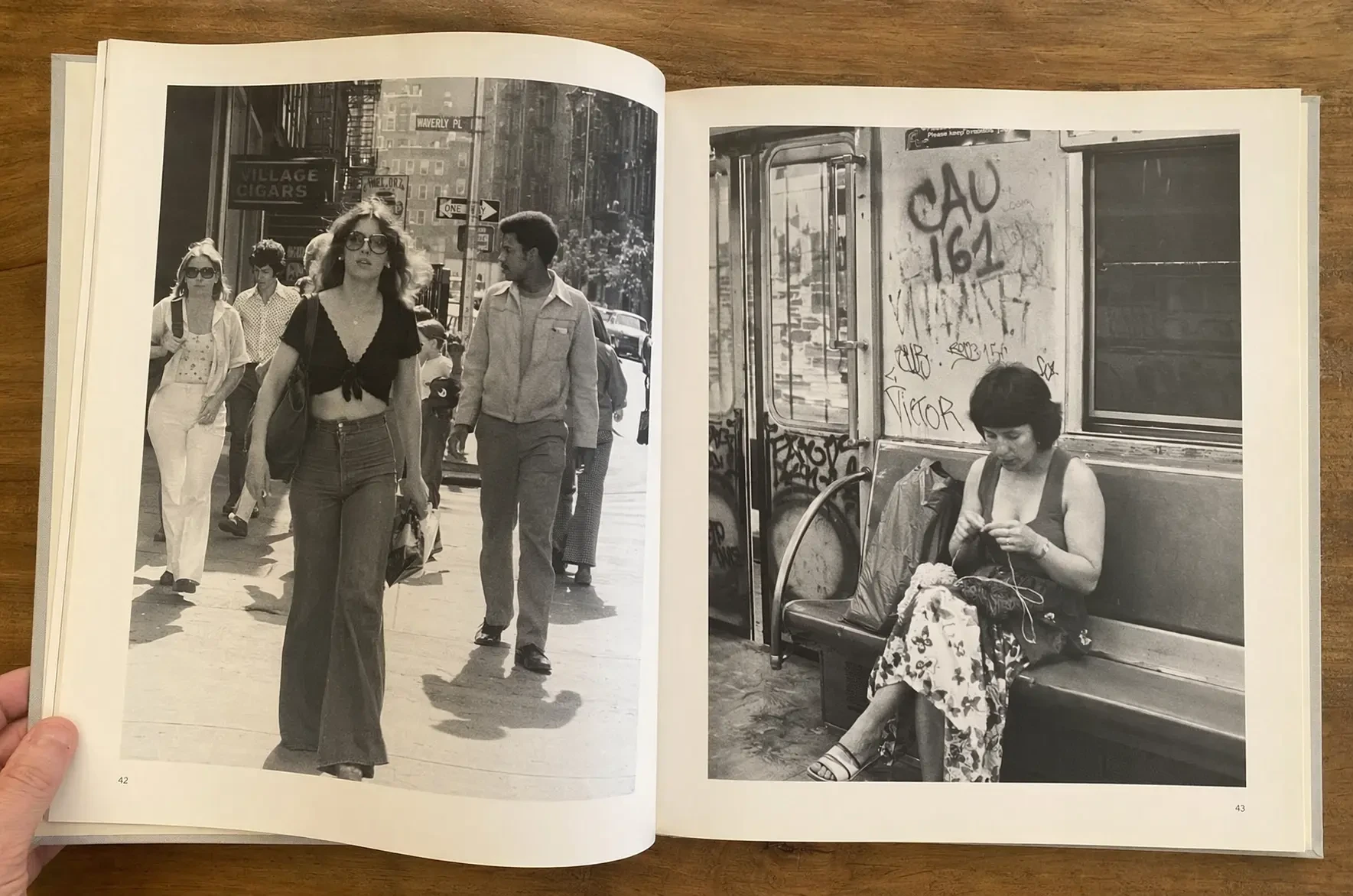
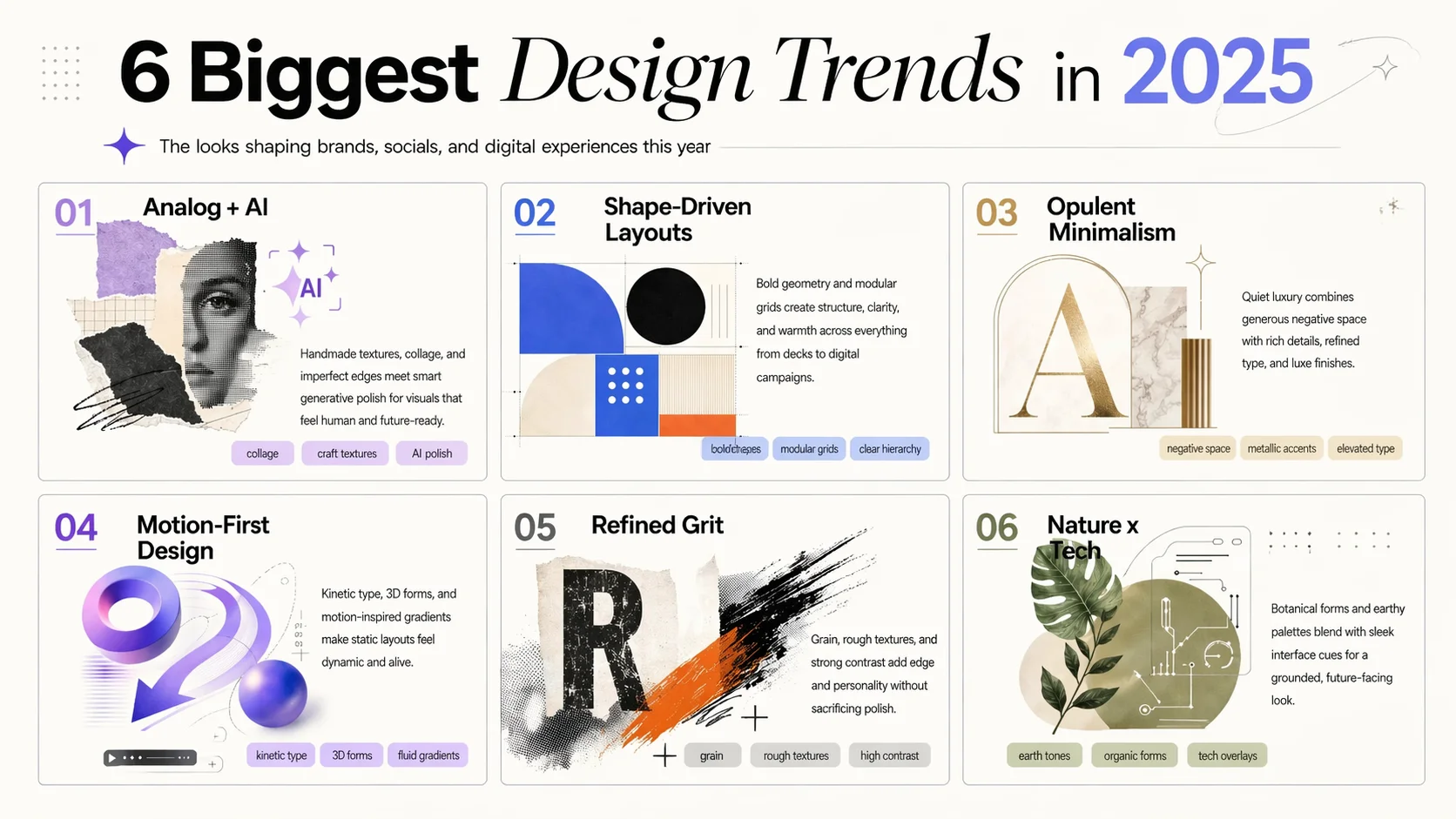
Reasoning Before Rendering
ChatGPT Images 2.0 plans the scene before generating a single pixel. Complex infographics, multi-element layouts, and technical diagrams are composed with designer-level spatial precision.
Pixel-Perfect Consistency
Faces, outfits, and proportions remain identical across multiple generations. Create sequential art, brand campaigns, and product catalogs where every frame matches — down to the last pixel.
Commercial-Grade Photorealism
Lighting, skin textures, materials, and environmental details rendered at a fidelity level that sets a new benchmark. Output is indistinguishable from professional photography.
How to Use ChatGPT Images 2.0
From prompt to finished visual in three steps.
Upload
Describe your image in detail, or upload a reference photo for editing. ChatGPT Images 2.0 understands complex multi-part instructions with built-in reasoning.
Generate
Hit Generate and receive high-quality results in seconds. Select your preferred aspect ratio and resolution up to 4K.
Download
Download your image in full resolution or refine it further with image-to-image editing until every detail is right.
Industries and Creators Using ChatGPT Images 2.0
From e-commerce sellers to design teams, GPT Images 2 supports visual workflows where clarity, speed, and consistency matter.
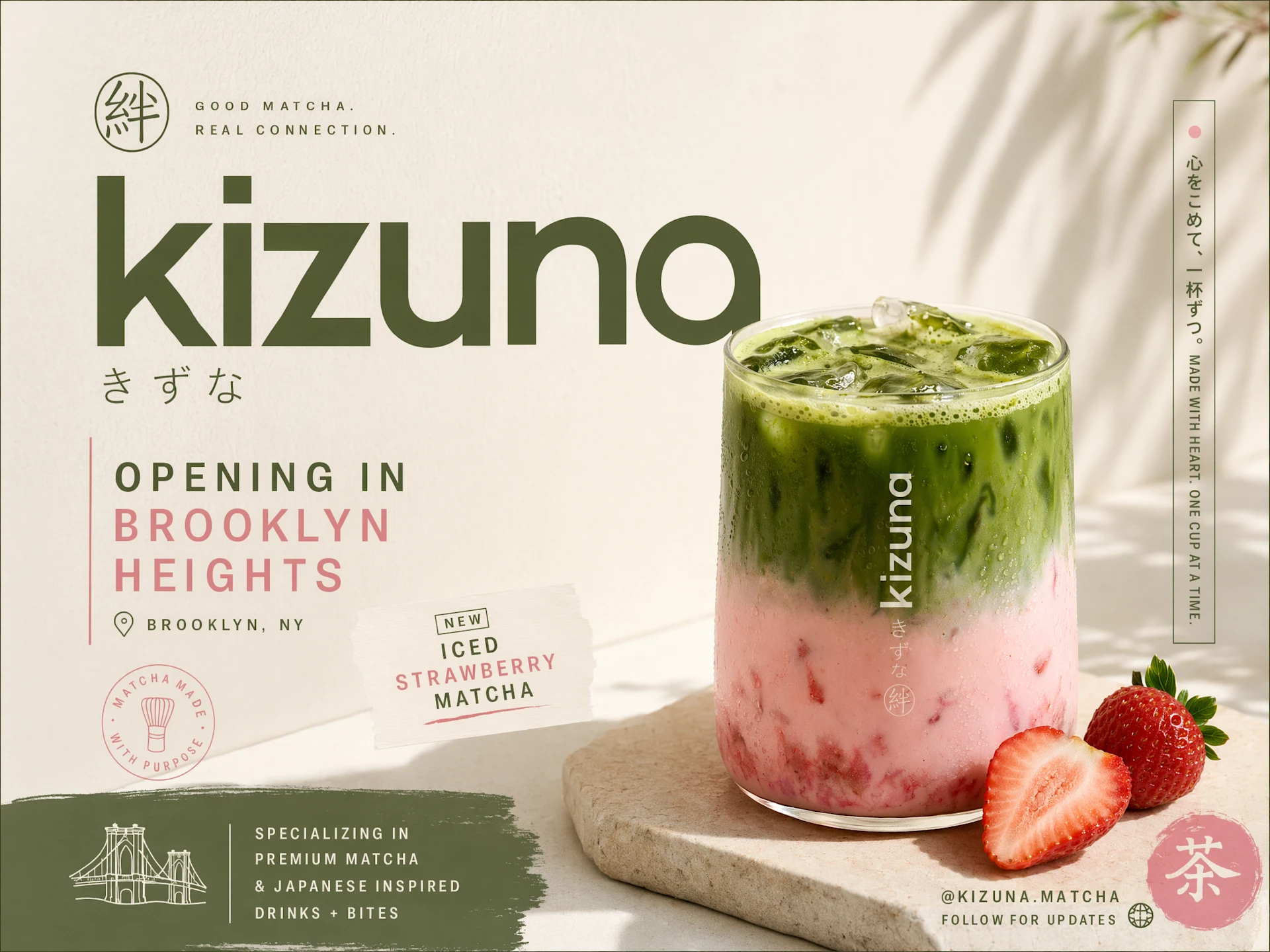
E-Commerce Product Photography
Create product shots, lifestyle scenes, packaging concepts, and catalog visuals without a full studio setup.
Marketing Infographics and Social Assets
Generate campaign visuals, carousel slides, launch graphics, banners, and social posts with clearer text.
Brand and Creative Direction
Explore visual systems, moodboards, ad concepts, typography layouts, and consistent campaign styles.
Content and Media Production
Create thumbnails, blog covers, podcast art, character illustrations, and editorial visuals faster.
Simple, Transparent Pricing
Choose the perfect plan for your needs. Save 33% with yearly billing — pay for 8 months, get 12 months of credits.
Starter
- Per 100 credits$3.33
- vs Monthly-33%
- Best forCasual users
- Pay 8 months, get 12
- Cancel anytime
- Monthly refresh, unused expire
Standard
- Per 100 credits$2.22
- vs Monthly-33%
- Best forRegular creators
- Pay 8 months, get 12
- Cancel anytime
- Monthly refresh, unused expire
Premium
- Per 100 credits$1.67
- vs Monthly-33%
- Best forPower users
- Pay 8 months, get 12
- Cancel anytime
- Monthly refresh, unused expire
Studio
- Per 100 credits$1.48
- vs Monthly-33%
- Best forStudios / agencies
- Pay 8 months, get 12
- Cancel anytime
- Monthly refresh, unused expire
FAQs about ChatGPT Images 2.0
Answers about capabilities, getting started, and commercial use.
Create Design-Ready Images with ChatGPT Images 2.0
Use GPT Images 2 to turn prompts and references into polished visuals for products, campaigns, content, and creative projects.